
Konkan coast · Arabian Sea
Salt, sun and the slowest week of the year
27 Dec 2025 – 2 Jan 2026
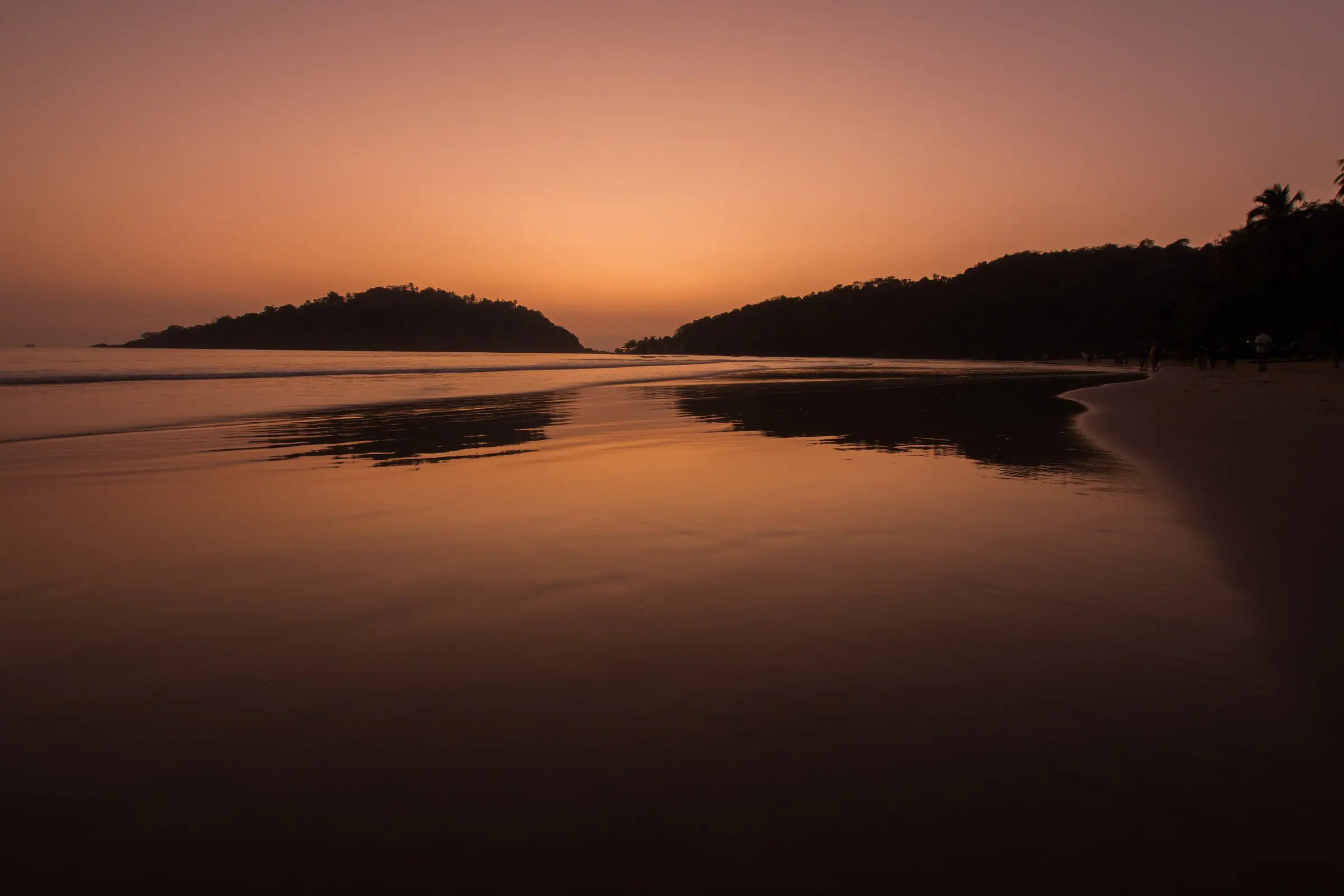
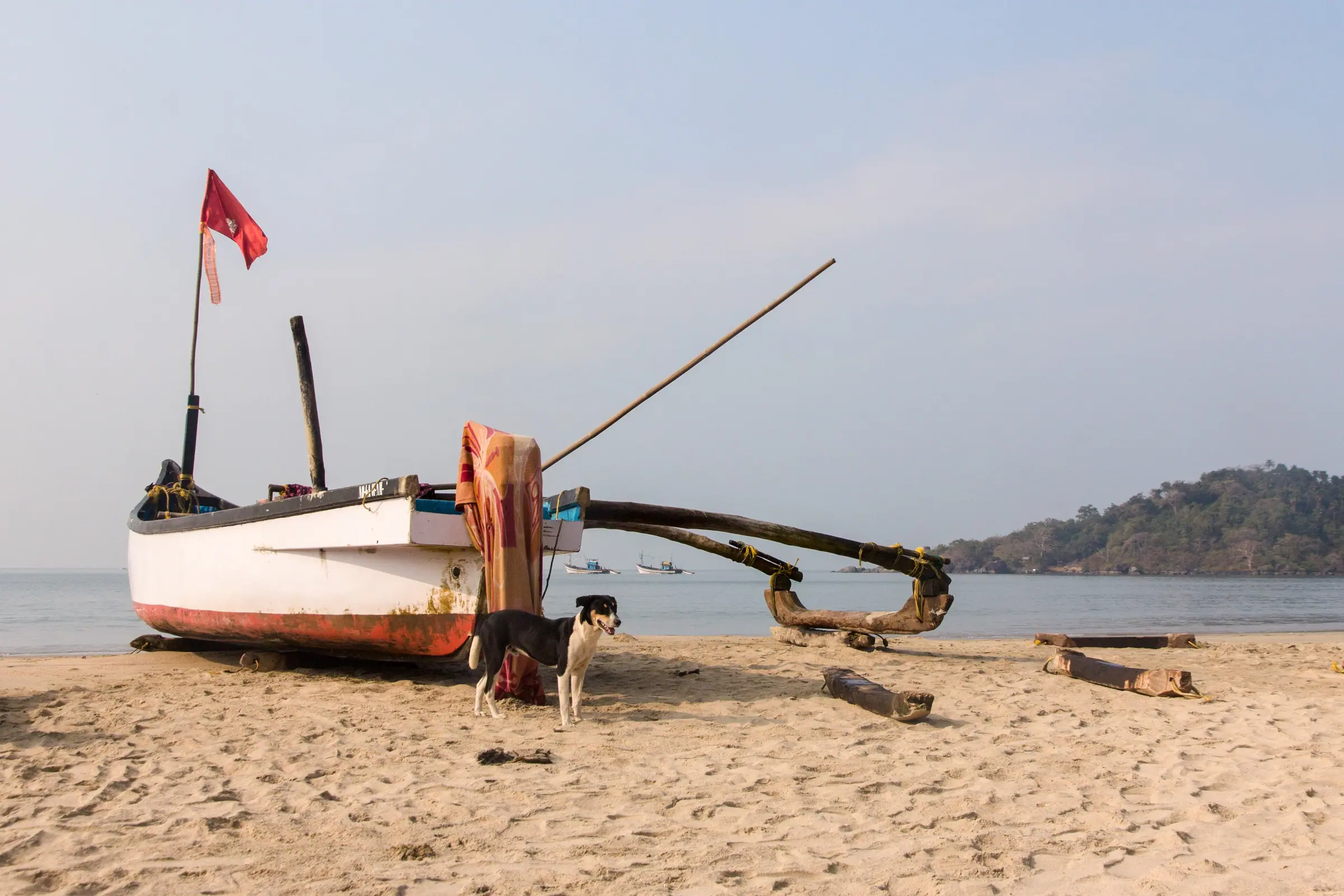
A week of doing very little, very well. Early swims, long lunches under a thatched roof and every evening on the sand watching the sky turn orange.
Destination themes
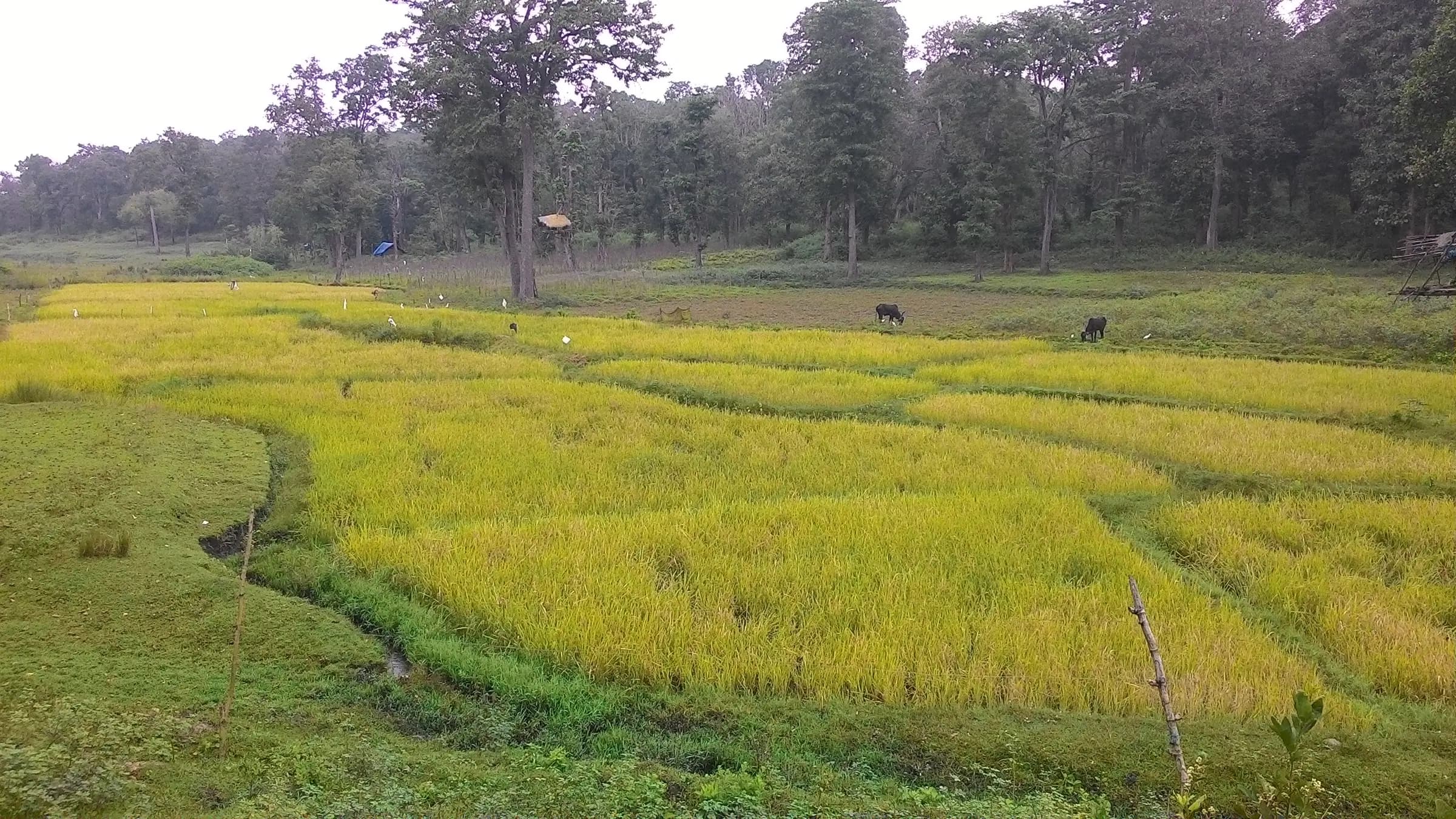
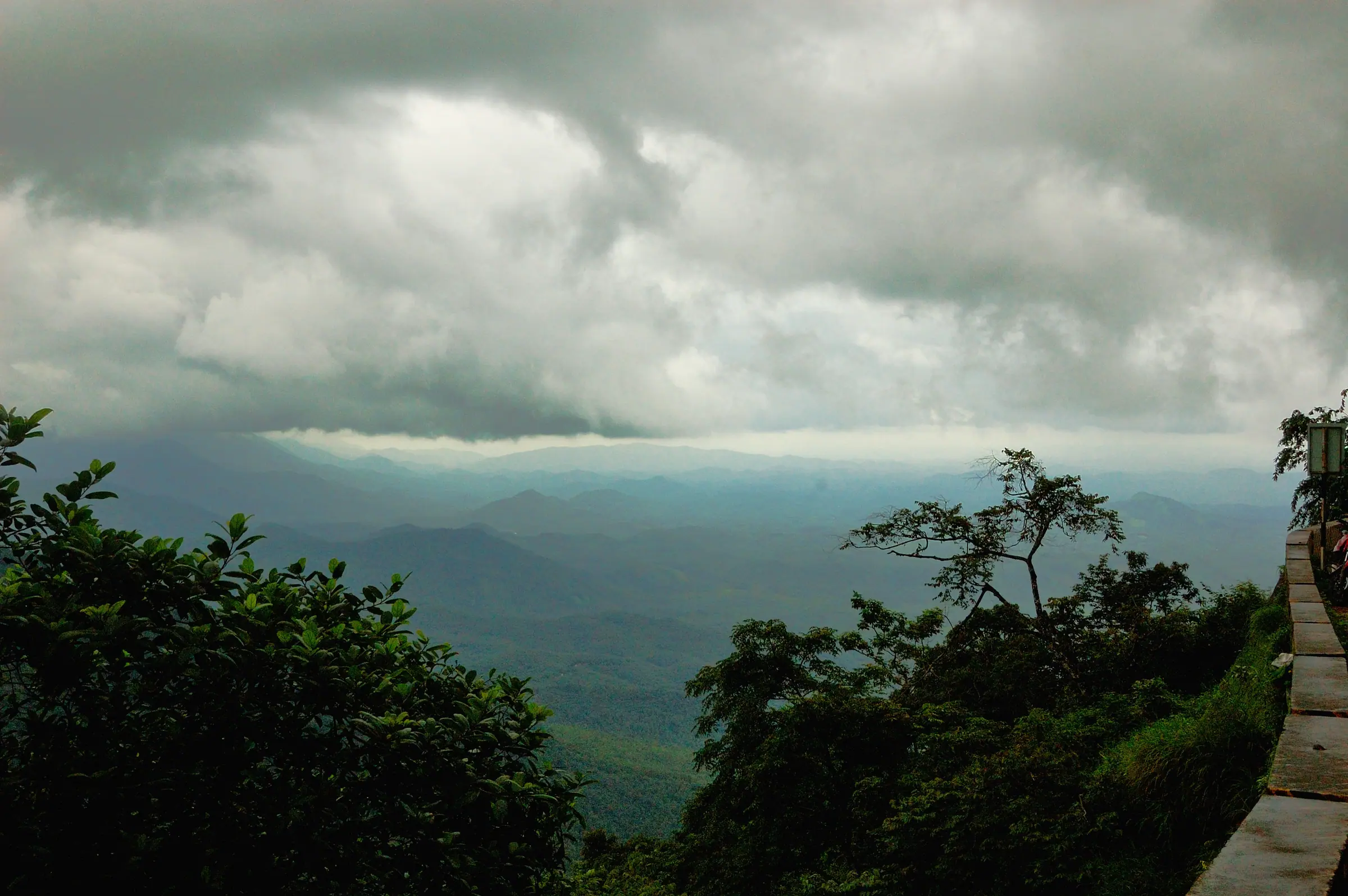
Each theme has its own palette, typography, photo treatment and decorative details, so a monsoon week in Wayanad never looks like a beach week in Goa.
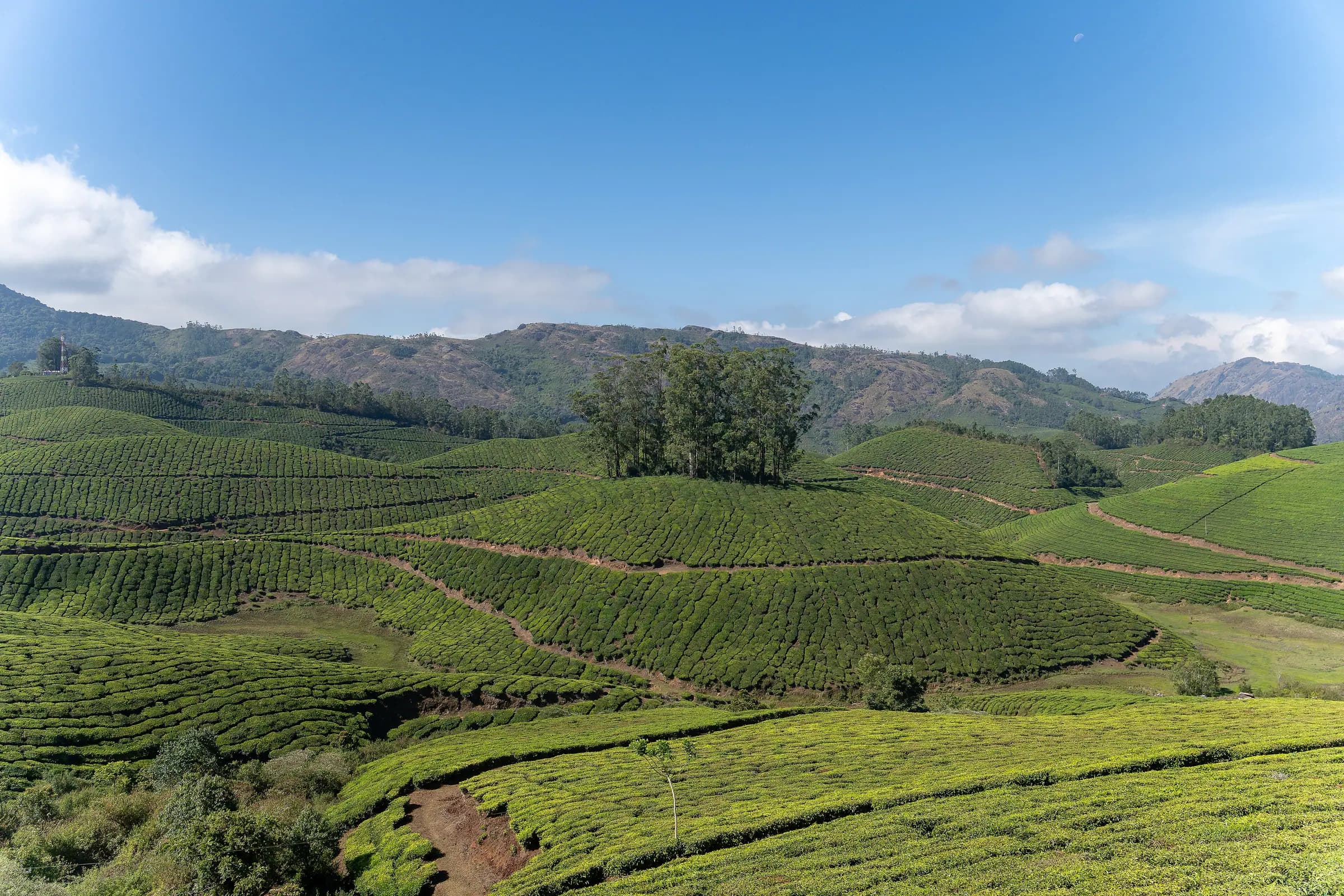
Kerala
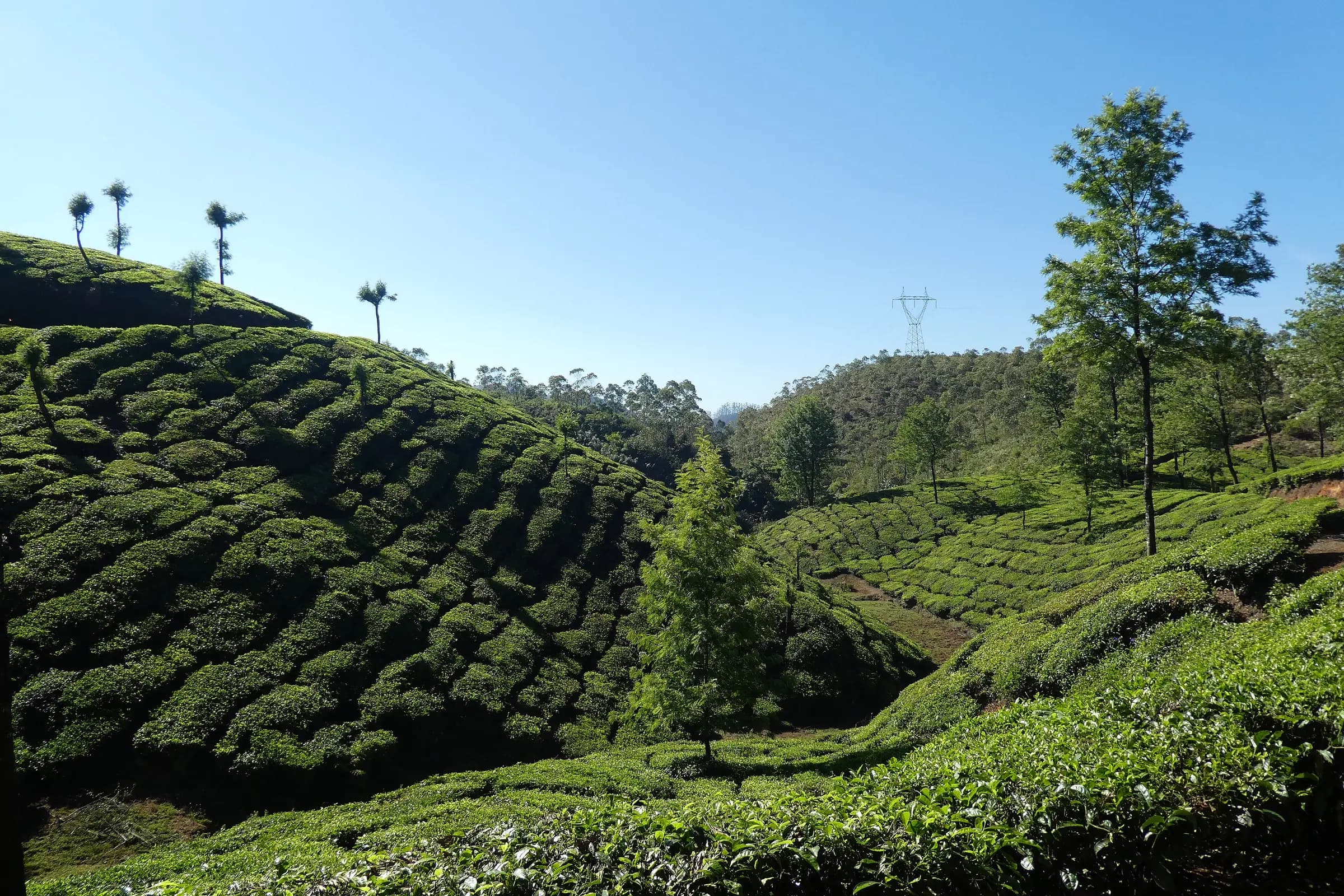
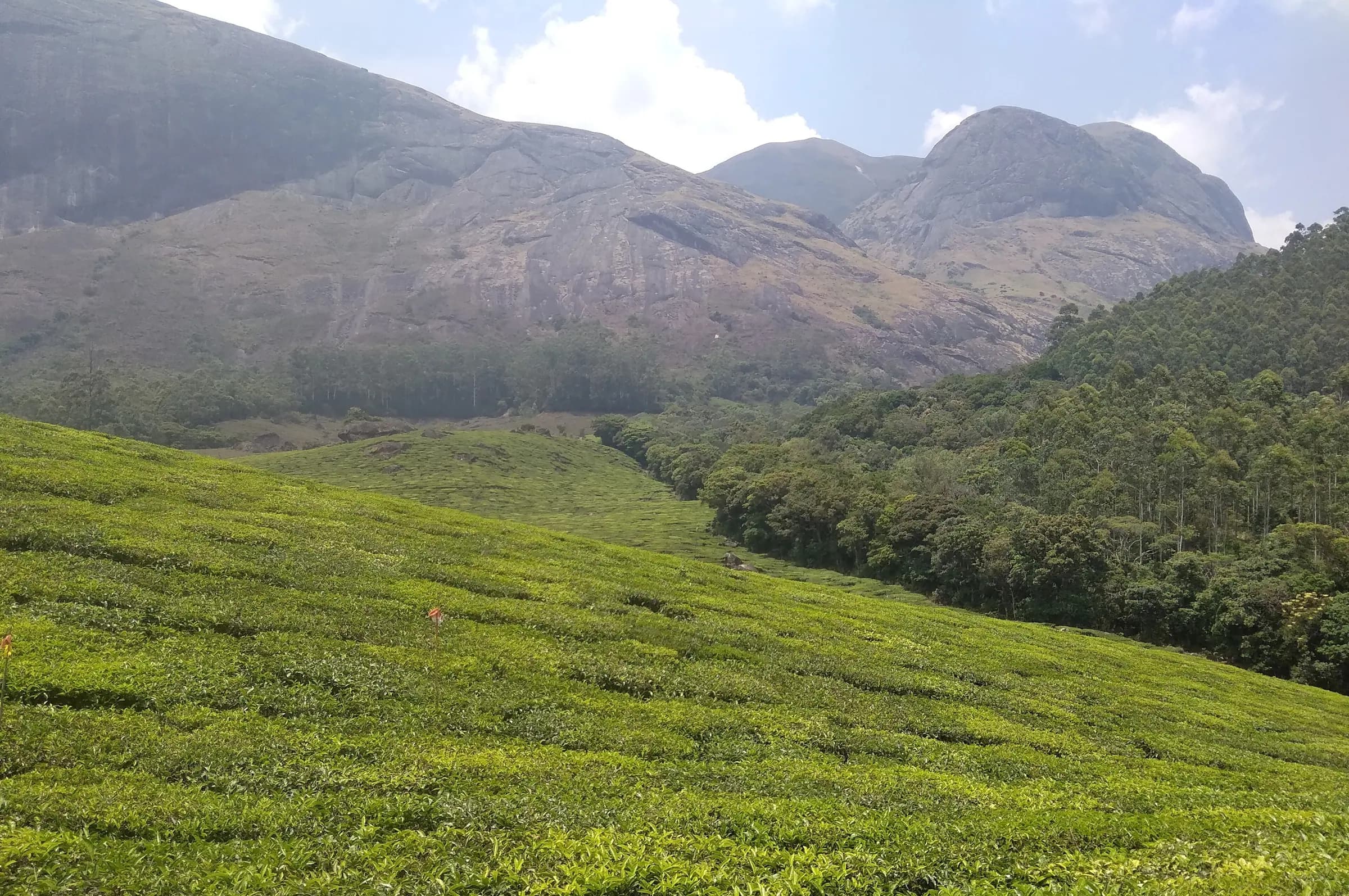
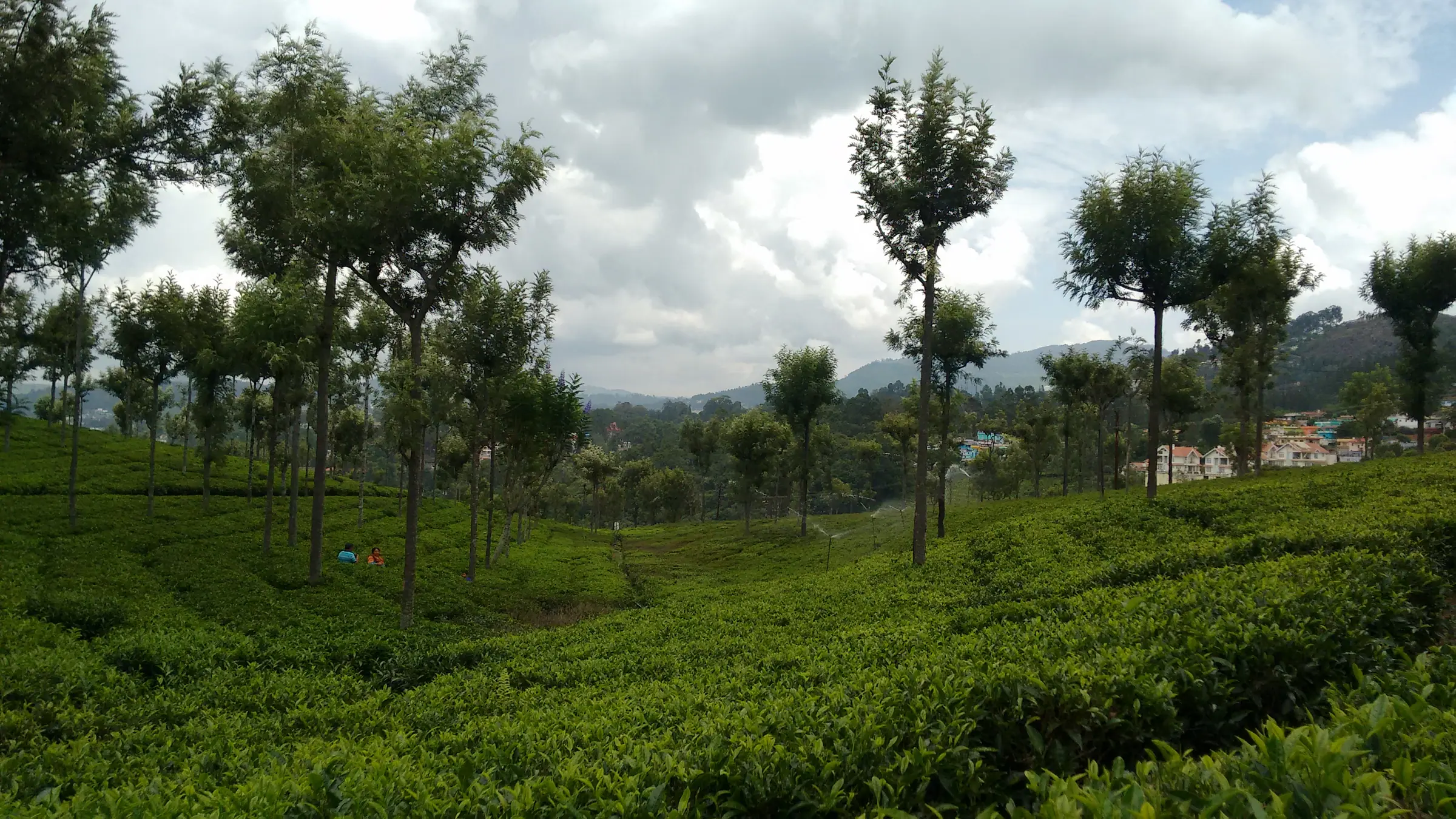
Tea-clipped hills that disappear into the mist.
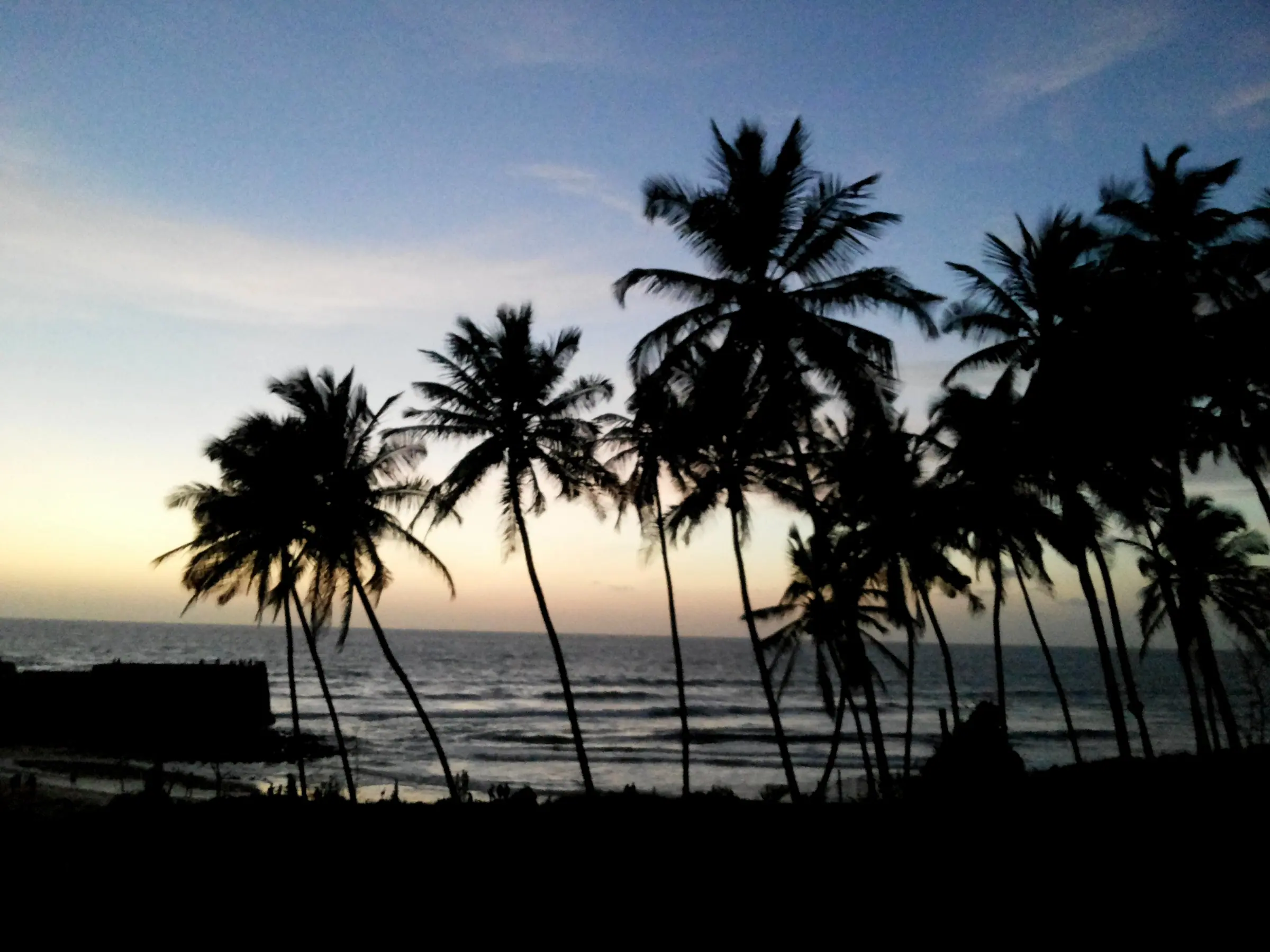
Konkan coast
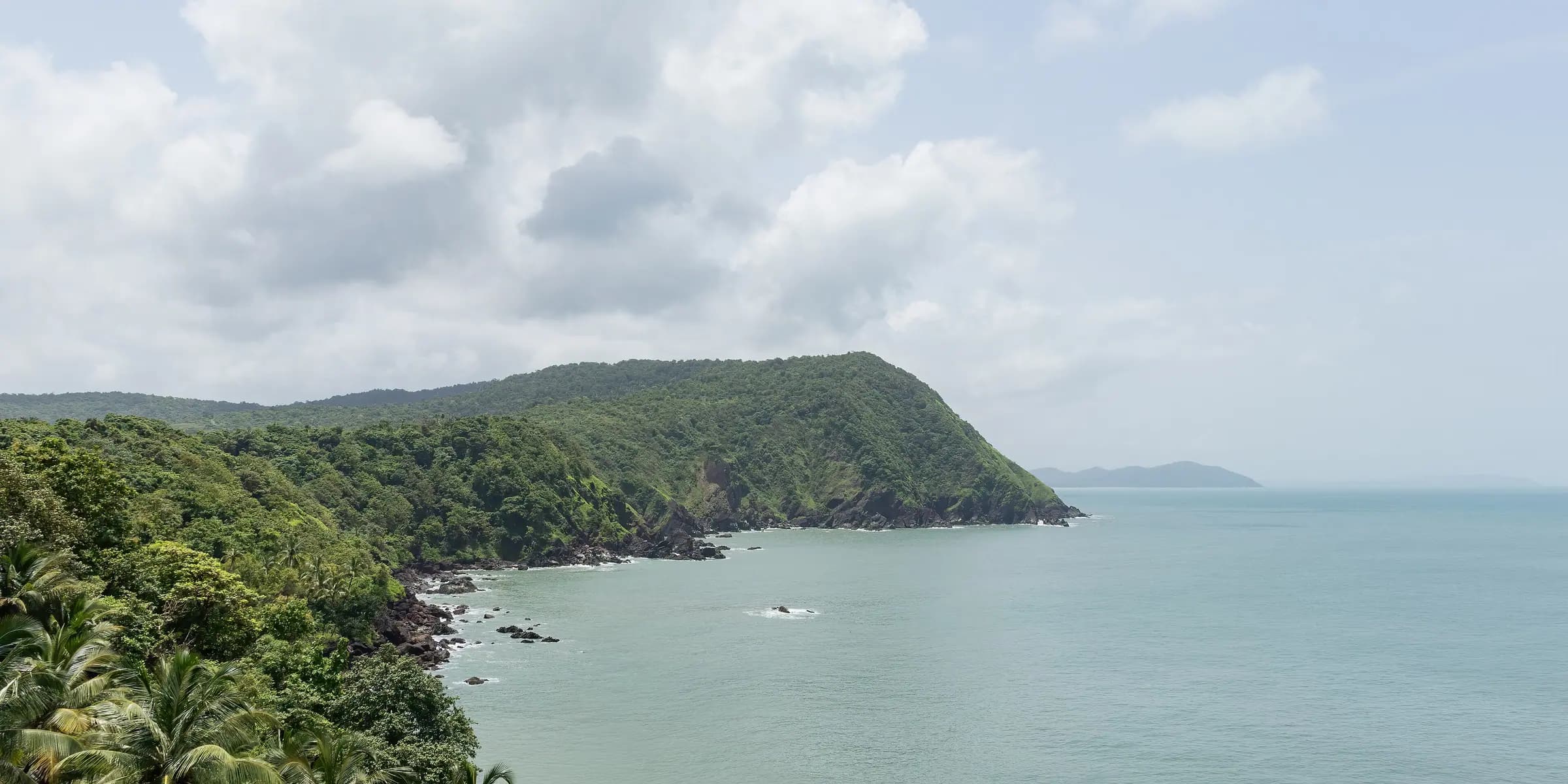
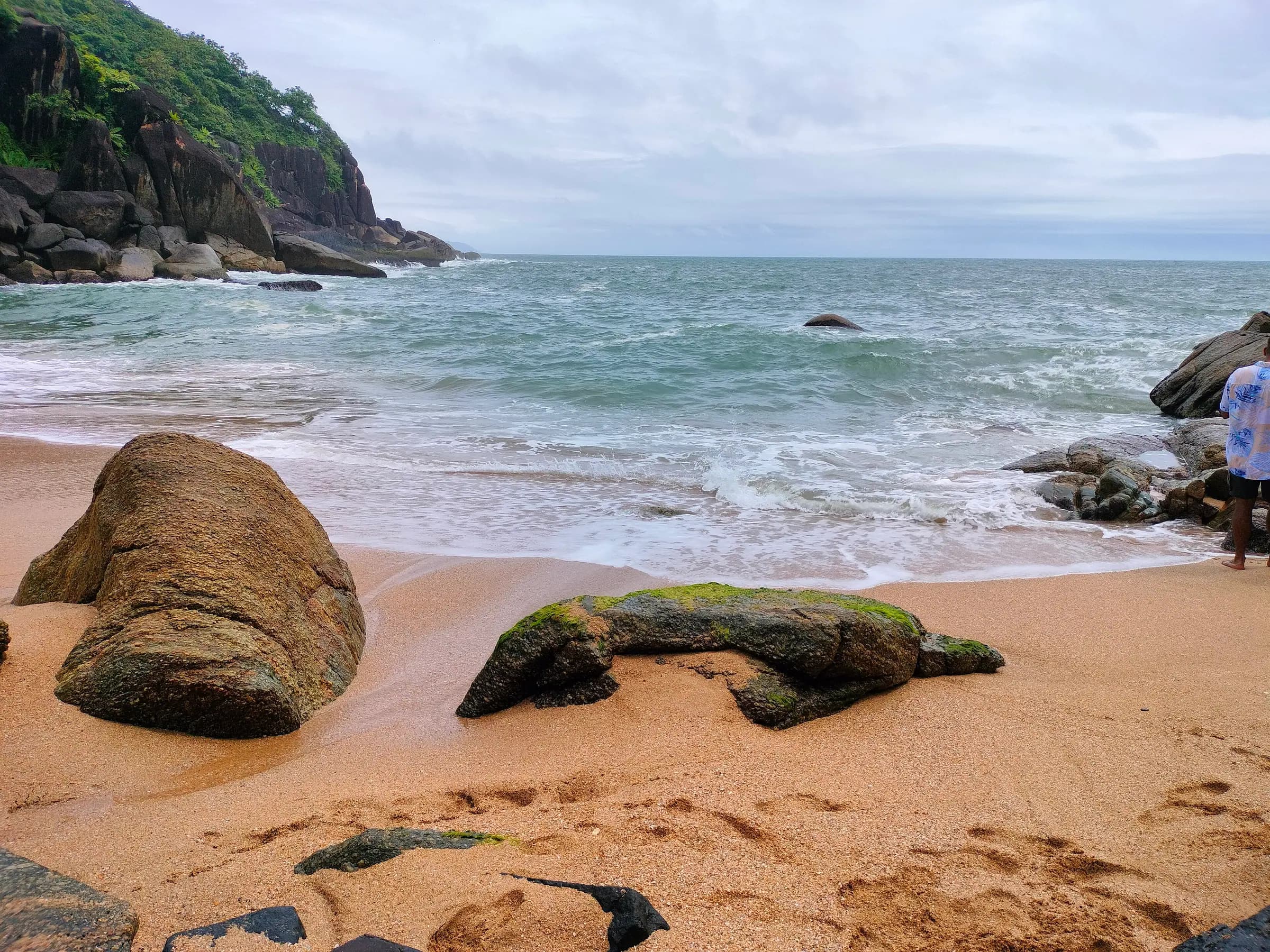
Salt air, long sunsets and slow afternoons by the sea.
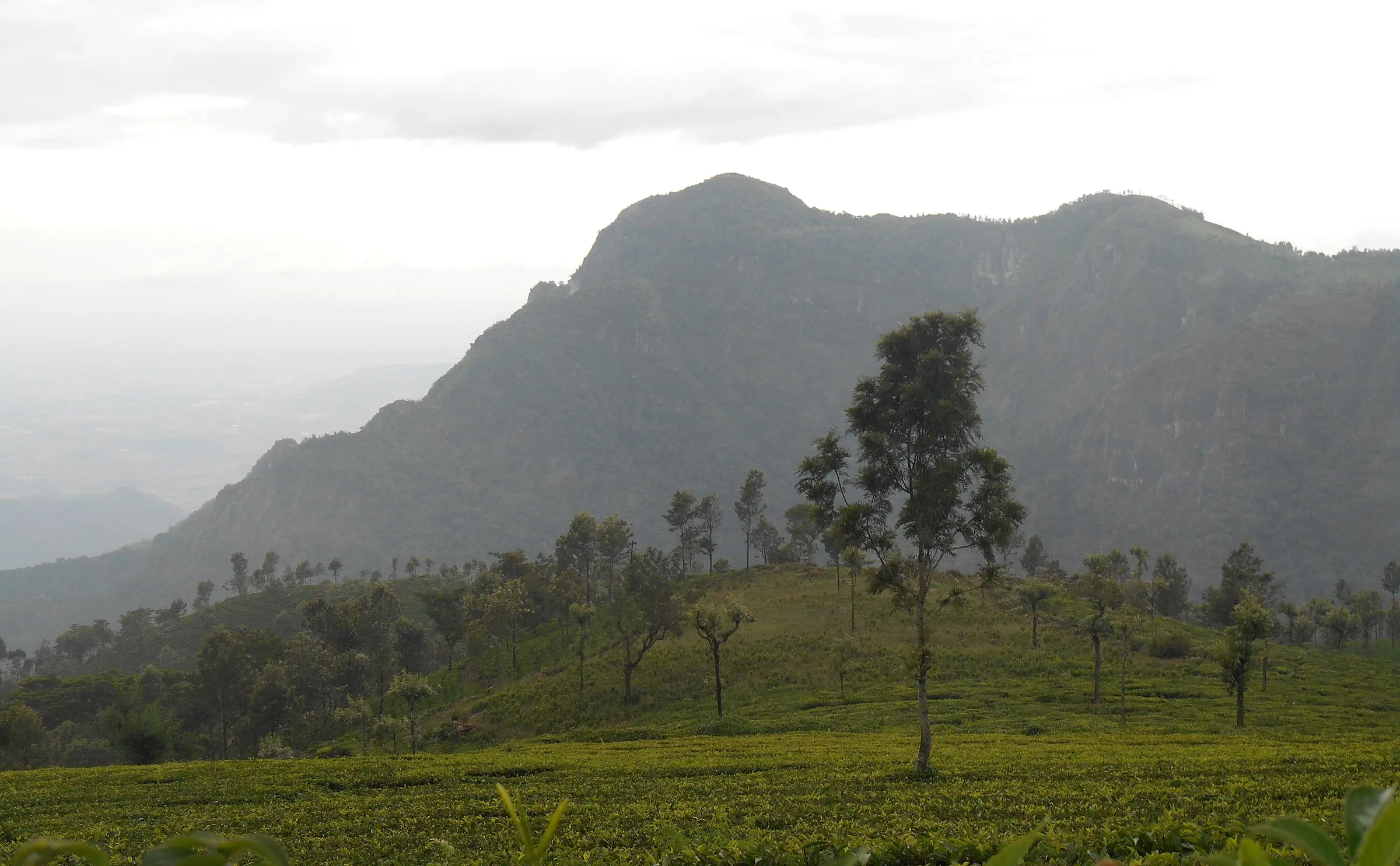
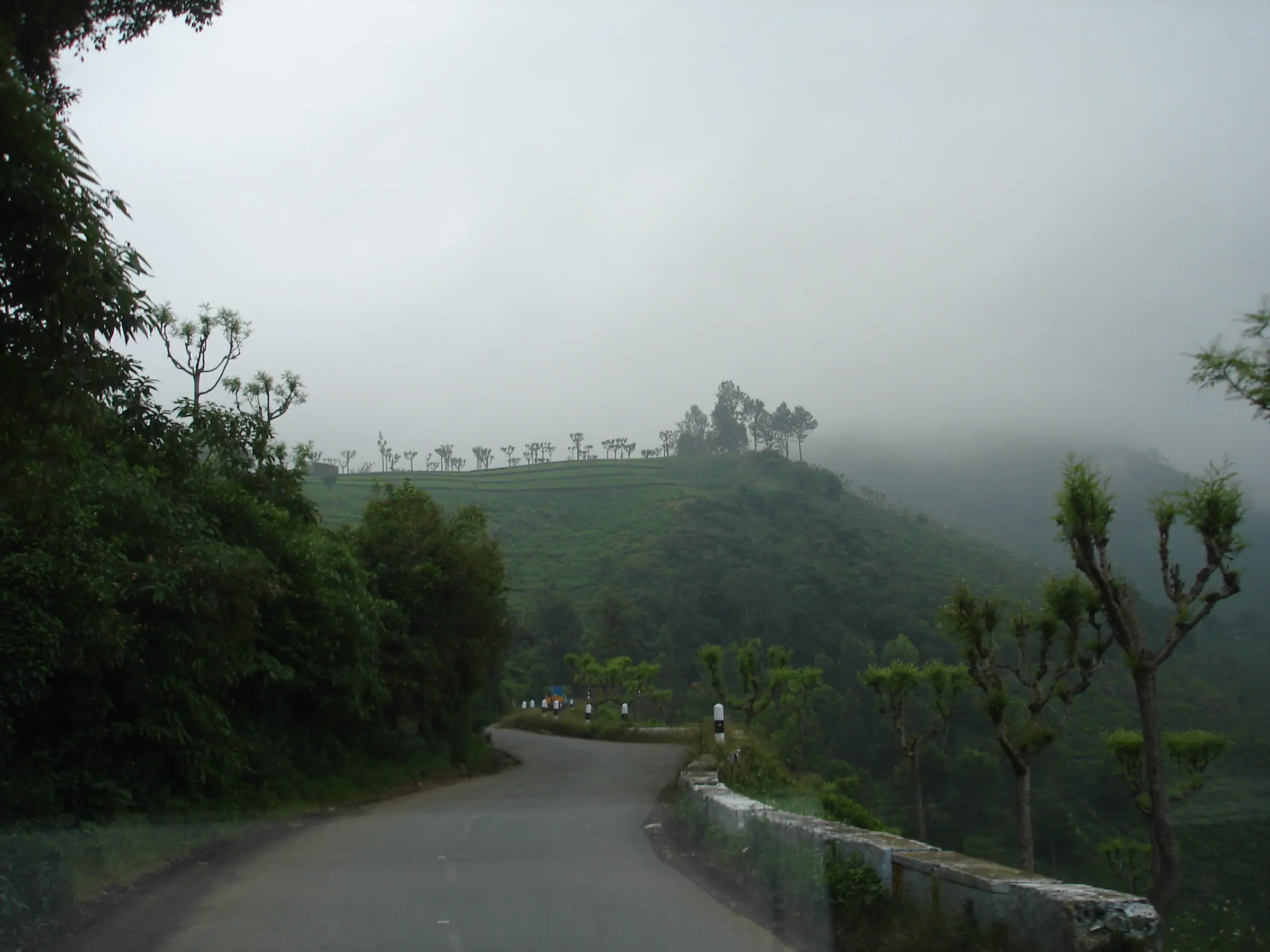
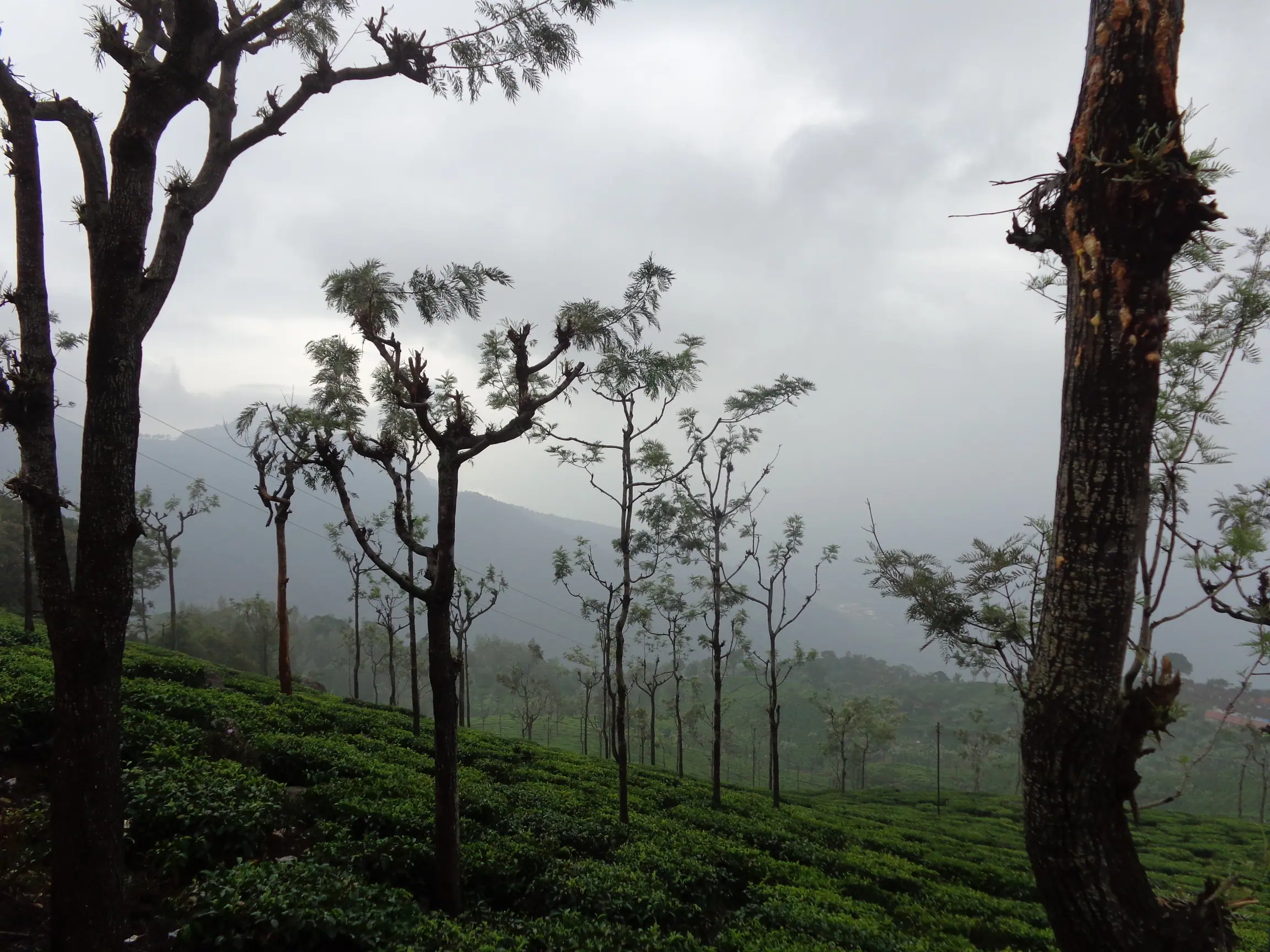
Nilgiris, Tamil Nadu
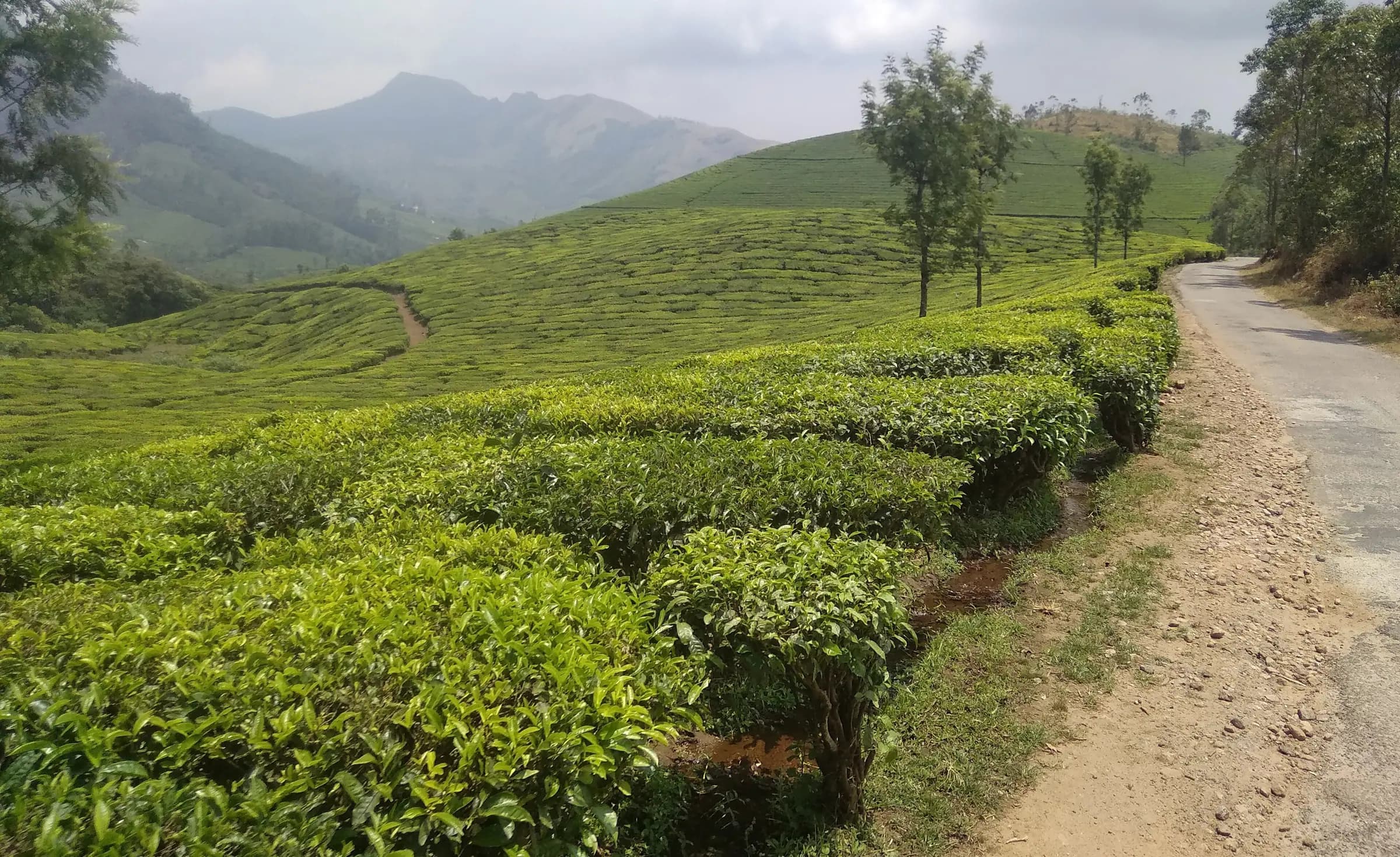
Fog on the ghat roads, silver oaks in the tea.
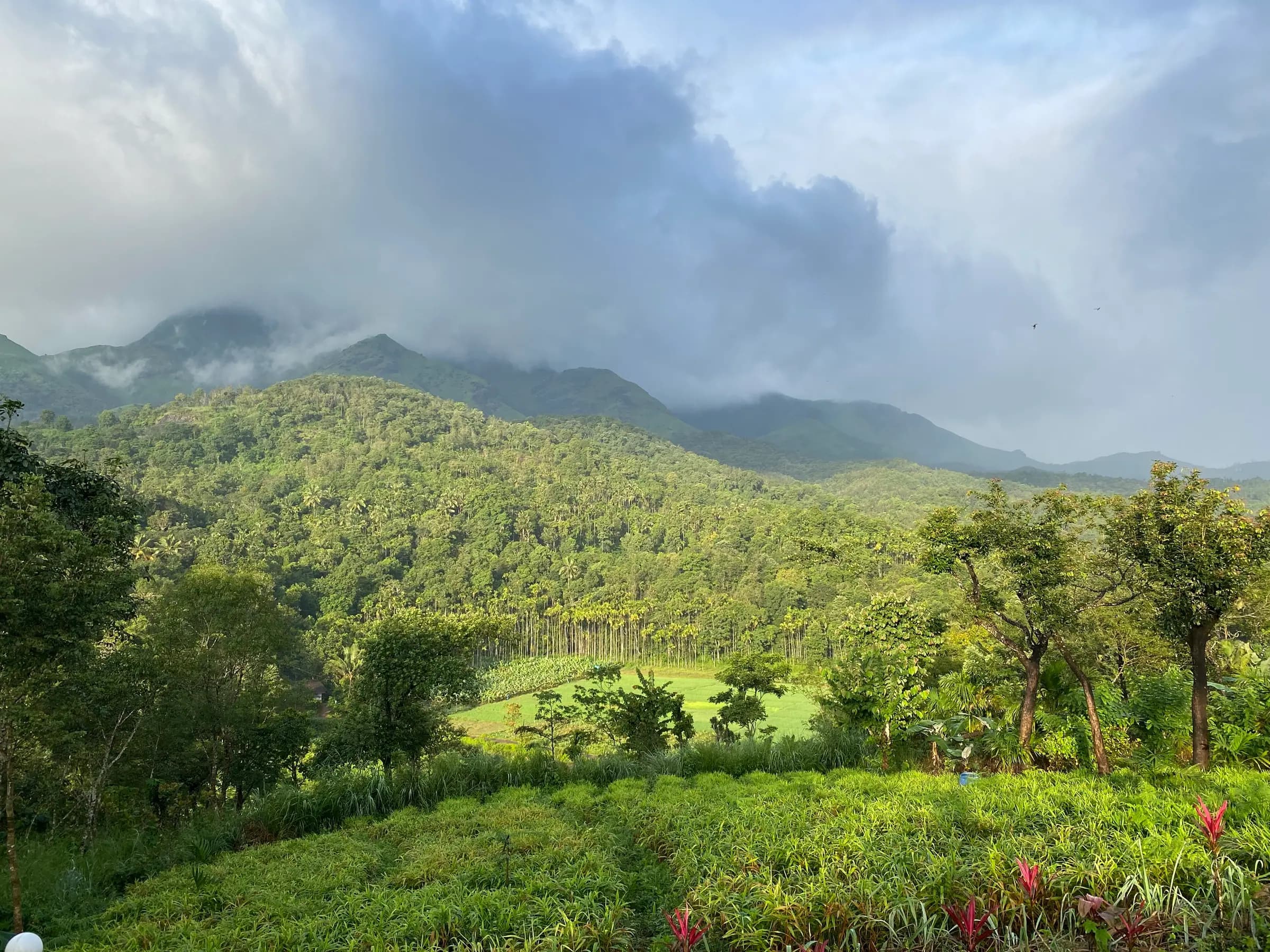
Kerala
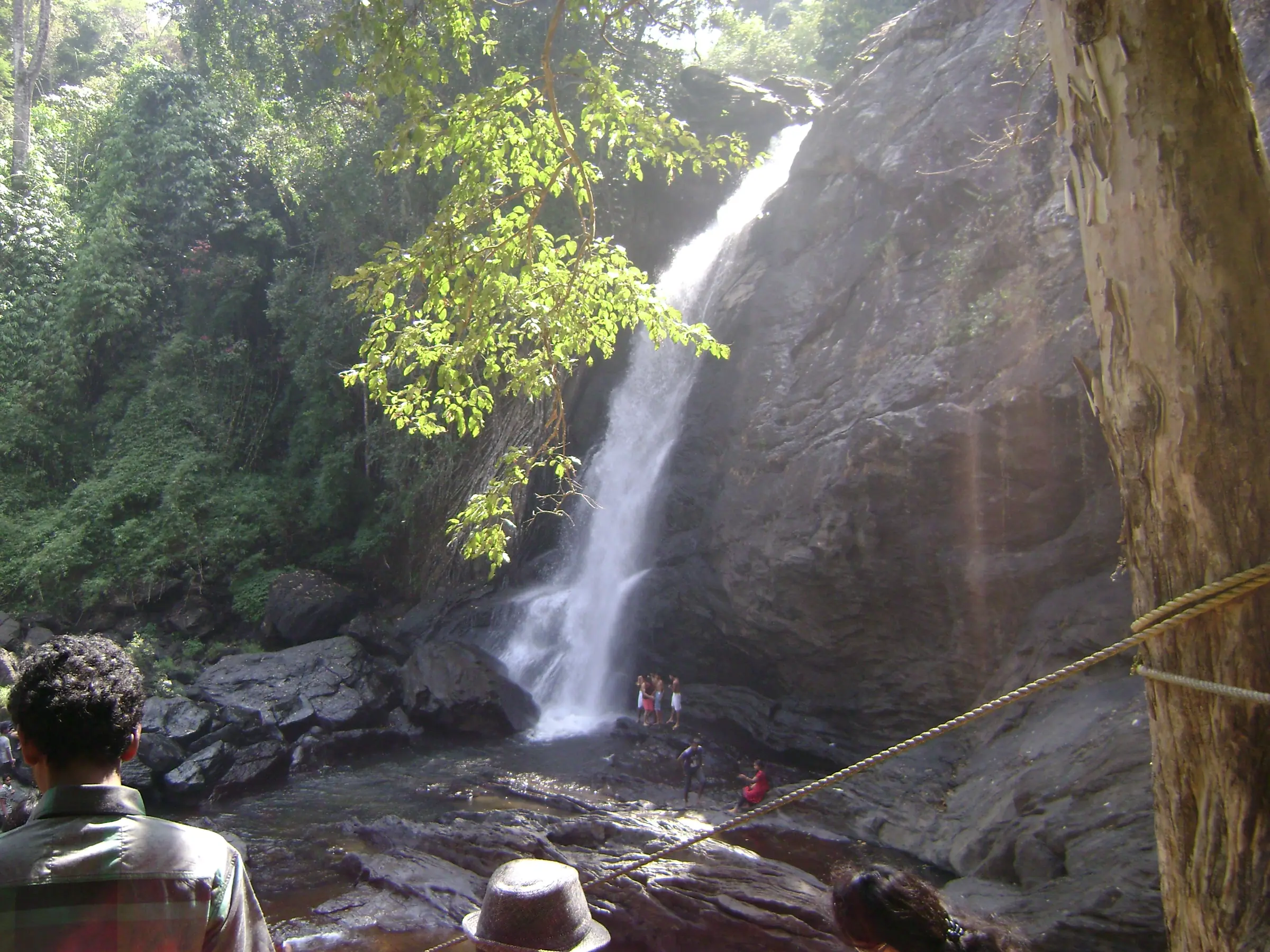
Waterfalls, wet forest and the smell of pepper vines.
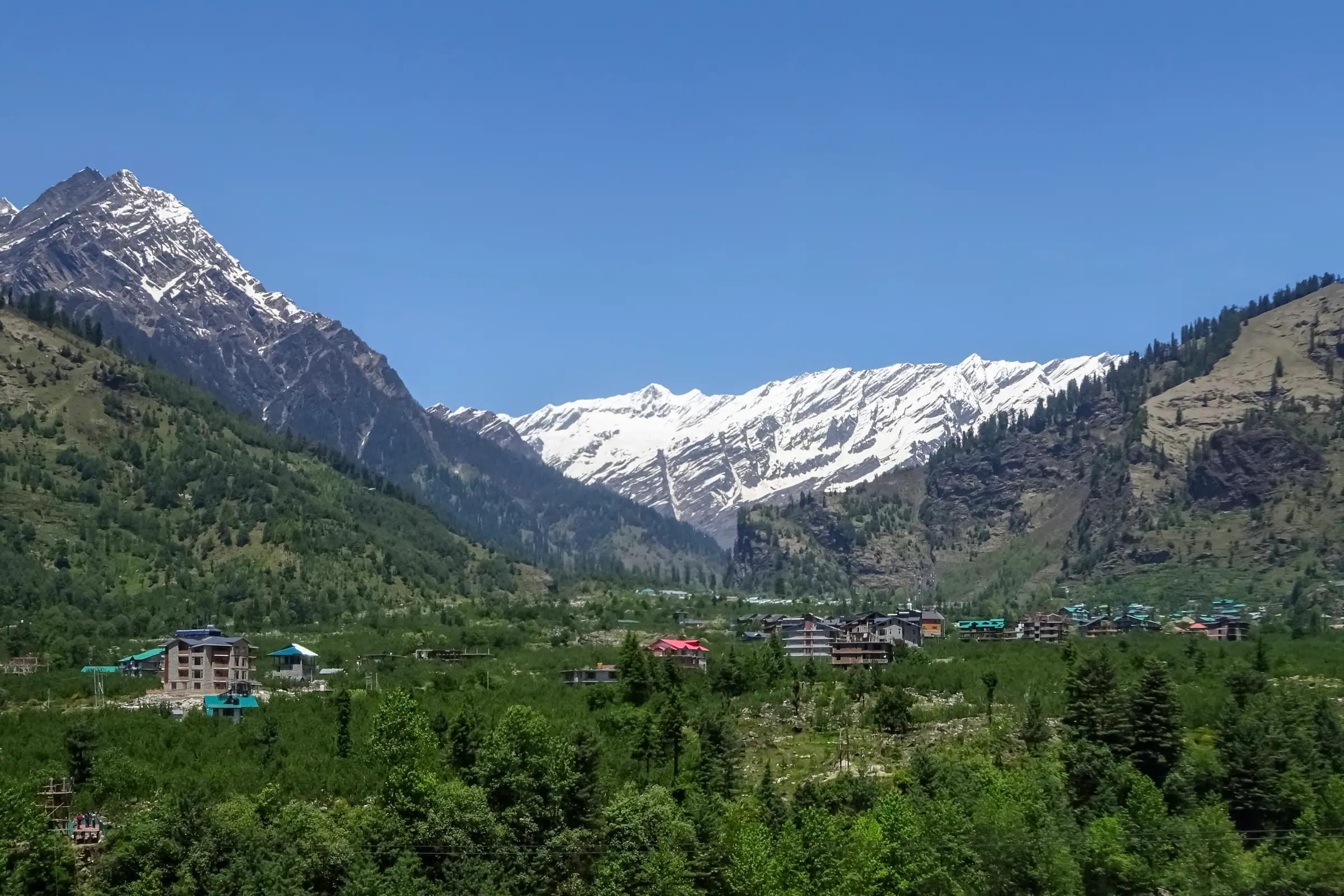
Himachal Pradesh
Snowlines, deodar forests and a river that never stops talking.
Templates
Pick a poster, a journal, a collage or a timeline. Each one picks up the colours and type of your destination, and you can switch any time.
One unforgettable cover photo, a bold title and a tidy gallery underneath. Inspired by vintage travel posters.
An editorial photo essay with generous type, pull quotes and photos that alternate in rhythm.
A dense, carefully composed collage of every moment, from wide landscapes to small details.
A timeline that walks through the trip in order, grouped by the dates you set on each photo.
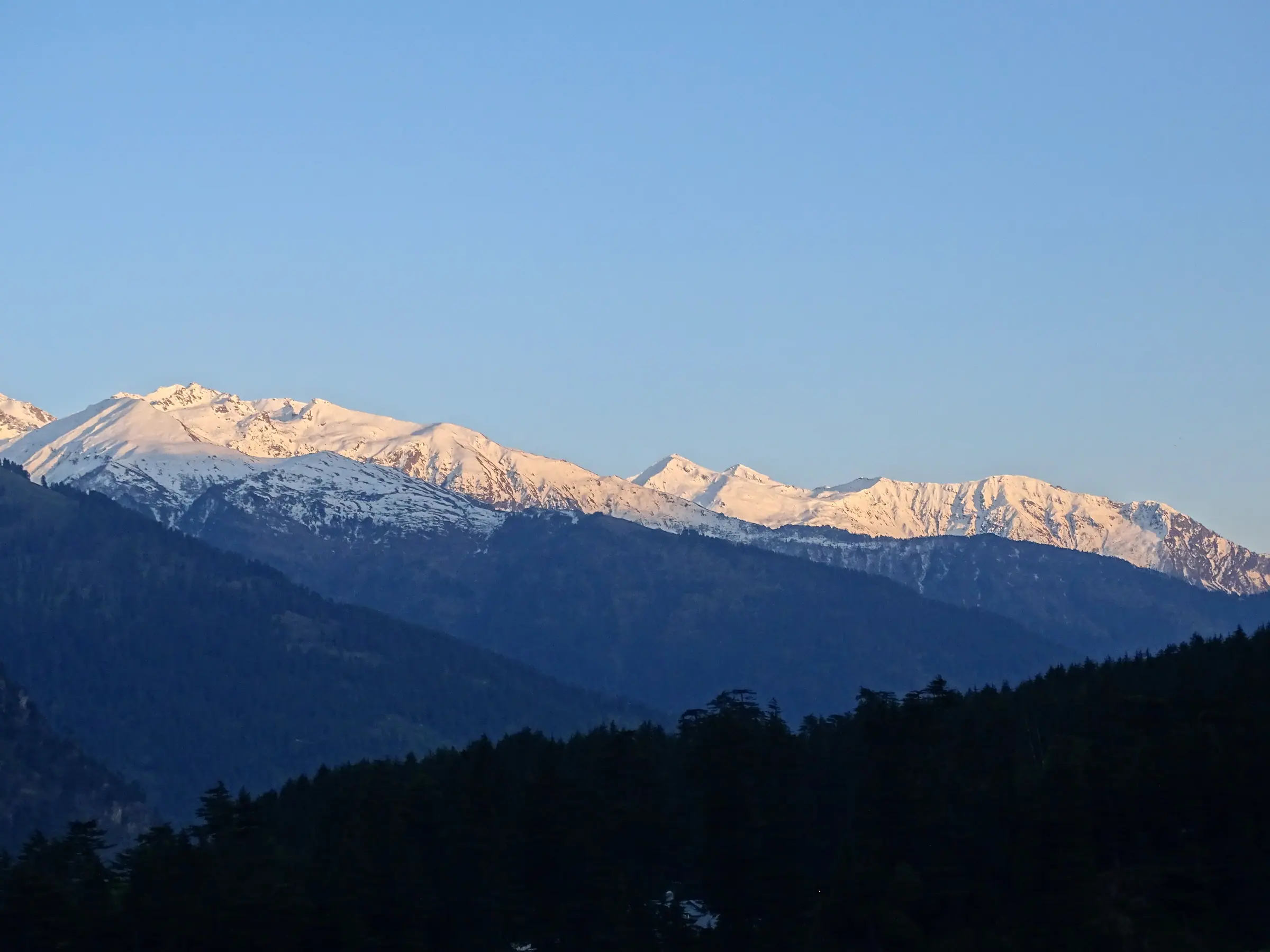
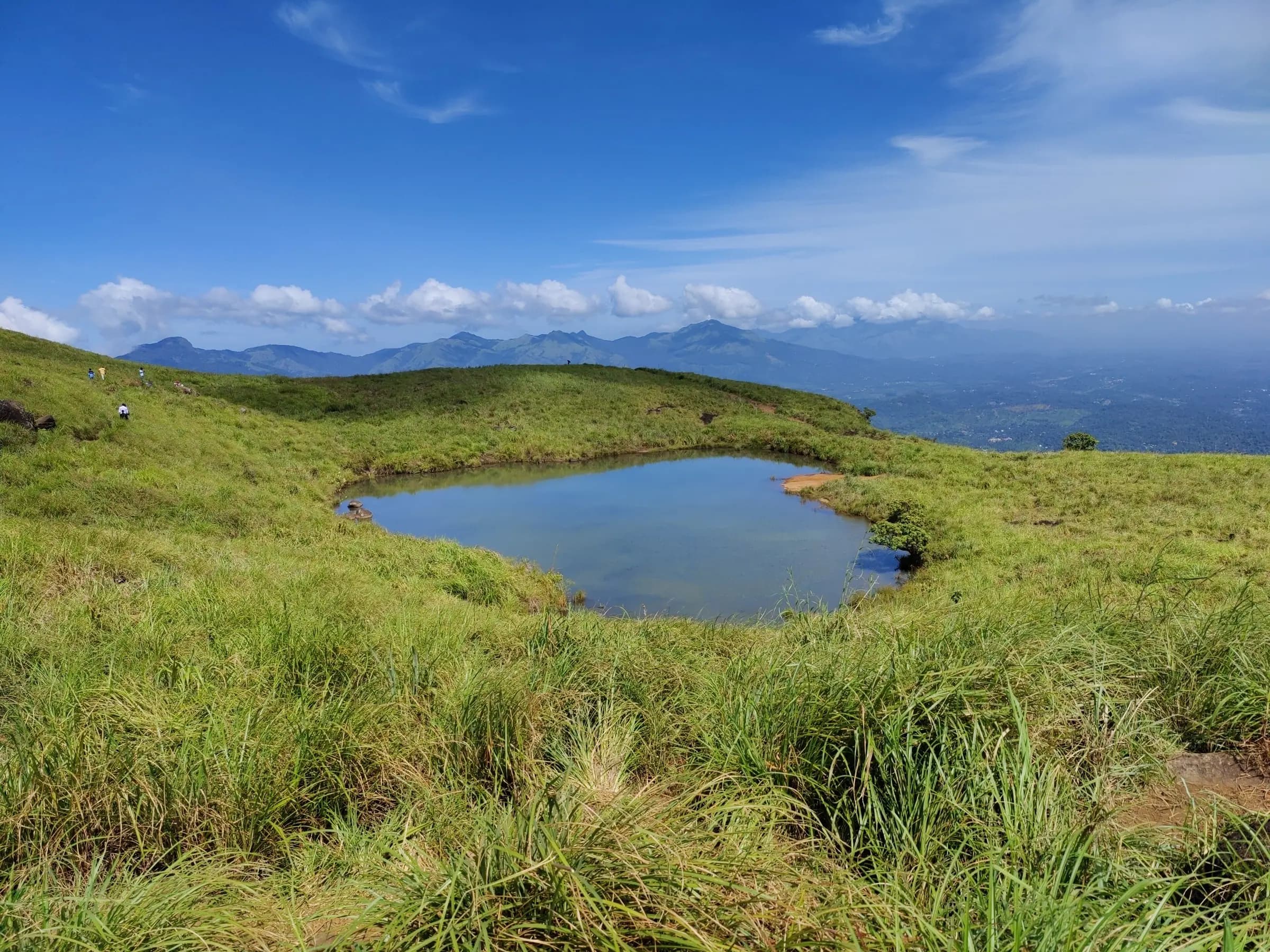
ReelsNew
Pick a template, add your photos and a few words, and press Create Reel. Fine-tune the timing, text, music and look, then download a video ready for Instagram, TikTok or YouTube Shorts.
Your photos, title and captions become a cinematic reel with motion, transitions and a film look.
Import a song, trim it, fade it, and cut the photos on the beat.
9:16 for Reels and Shorts, 4:5 for the feed, plus square and landscape, up to 1080p.
Photos, music and the finished video never leave your device. Nothing is uploaded.
Travel memories
The classic photo book of your trip, in your destination's colours.
Editorial travel magazine
A classic travel magazine with articles, pull quotes and a contents page.
Minimalist photo album
One photo at a time, framed with plenty of white space.
Photo booksNew
Choose a design, drop in your photos and memories, adjust every page, and download a print-ready PDF. Photo books, travel magazines and simple print layouts, all made in your browser.
Every photo stays whole inside its frame, and cropping only happens when you choose it.
Exact page sizes, bleed and crop marks, with real text and photos at up to 300 DPI.
How it works
Start with the destination. Its theme sets the colours, type and photo treatment for your memory.
Poster, journal, collage or timeline. Preview each one before you commit, and switch whenever you like.
Upload your favourites, drag them into order, and add captions and places. Drafts save as you go.
Get a link of your own. Keep it private, share it quietly with an unlisted link, or make it public.
Turn the same photos and words into a cinematic video with music, then download it for Instagram or Shorts.
A sample memory
This sample uses the Goa theme with the Horizon Poster template. Published memories work on any screen and load quickly, and each one gets its own link.
Sample content made with licensed destination photography. It isn't a real customer's trip.
Open the sample memoryPrivacy
Travel photos are personal. We collect only what's needed to make your memory pages, and you decide what anyone else gets to see.
Unpublished trips and photos are stored privately and are only visible to you while signed in. Your books and reel settings are saved to your account; reel videos and music are made in your browser and never uploaded.
Public pages can be found and indexed if you allow it. Unlisted pages open only with the link. Private pages are for you.
Photos are re-encoded in your browser before upload, which removes embedded GPS and camera details.
Unpublish a memory, remove a photo or delete your account. Deleted photos are removed from storage.
Start a draft in a minute. Nothing is shared until you choose to publish.